What is cloud torrent storage?
A cloud torrent service retrieves torrent files remotely and makes them available in a web library. You add the source in your browser rather than running a torrent client on your own device.
Downloora brings the completed files into your account library. You can return later to browse them, preview supported media, or download a local copy.
A private library for each account
Your library belongs to your account. Sign in to view your files, browse folders and subfolders, and manage your storage. Other users do not share your library.
New accounts start with 4 GB of cloud storage. The storage meter shows how much room your files use. Delete files to free space, or view the available Basic, Pro, and Master plans when you need more.
Stream a file or download the collection
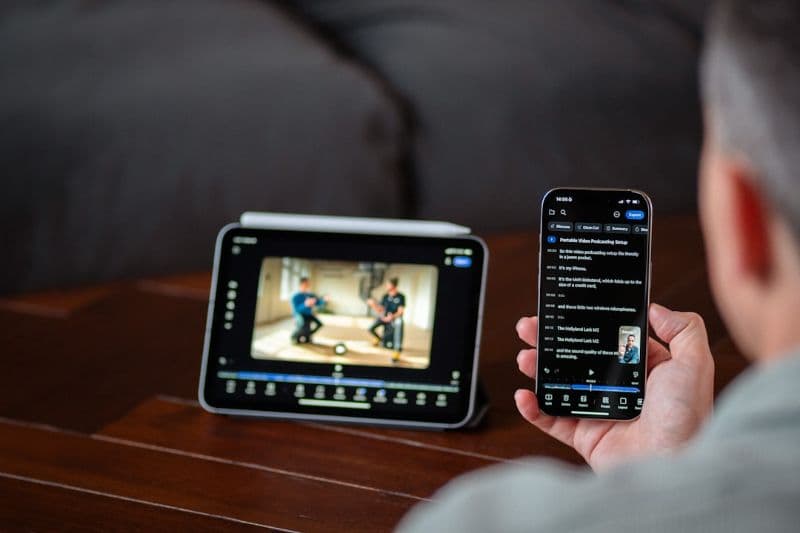
Preview supported video and audio files in the browser, or download individual files to your device. Torrent folders preserve their structure so you can find the file you need.
Once saving has finished, a completed folder can be downloaded as a ZIP archive. This is useful when you want the complete collection instead of saving each file separately.
What affects a download?
A torrent must have an available source and fit within your account’s storage allowance. Completion time depends on source availability, file size, and transfer conditions; every torrent is not instant.
Use the download progress and any error message to understand what is happening. Downloora cannot retrieve unavailable content or guarantee playback of every file format.
Frequently asked questions
Do I need a desktop torrent client?
No. Add magnet links or .torrent files through Downloora’s browser interface. Remote transfers do not require a local torrent client to stay running.
Can I access my library on another device?
Yes. Sign in to the same account in your browser to access your library. Playback depends on the file format and your browser’s support.
Can I download folders?
Yes. Completed folders can be downloaded as ZIP archives, and you can download individual files from their subfolders.
Put your next download in its place.
Create a free account with 4 GB of storage, or sign in to open your library.
Get started free