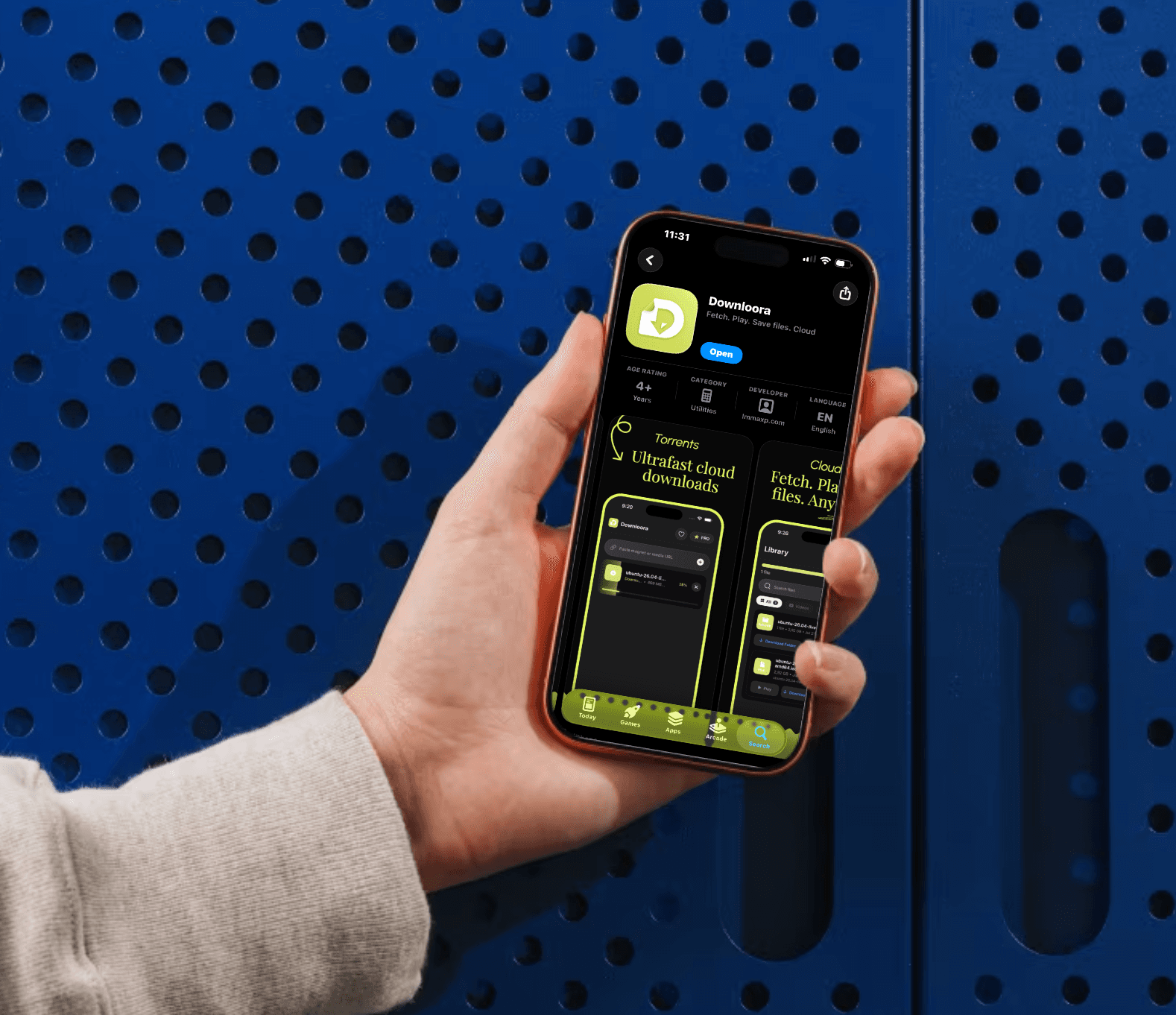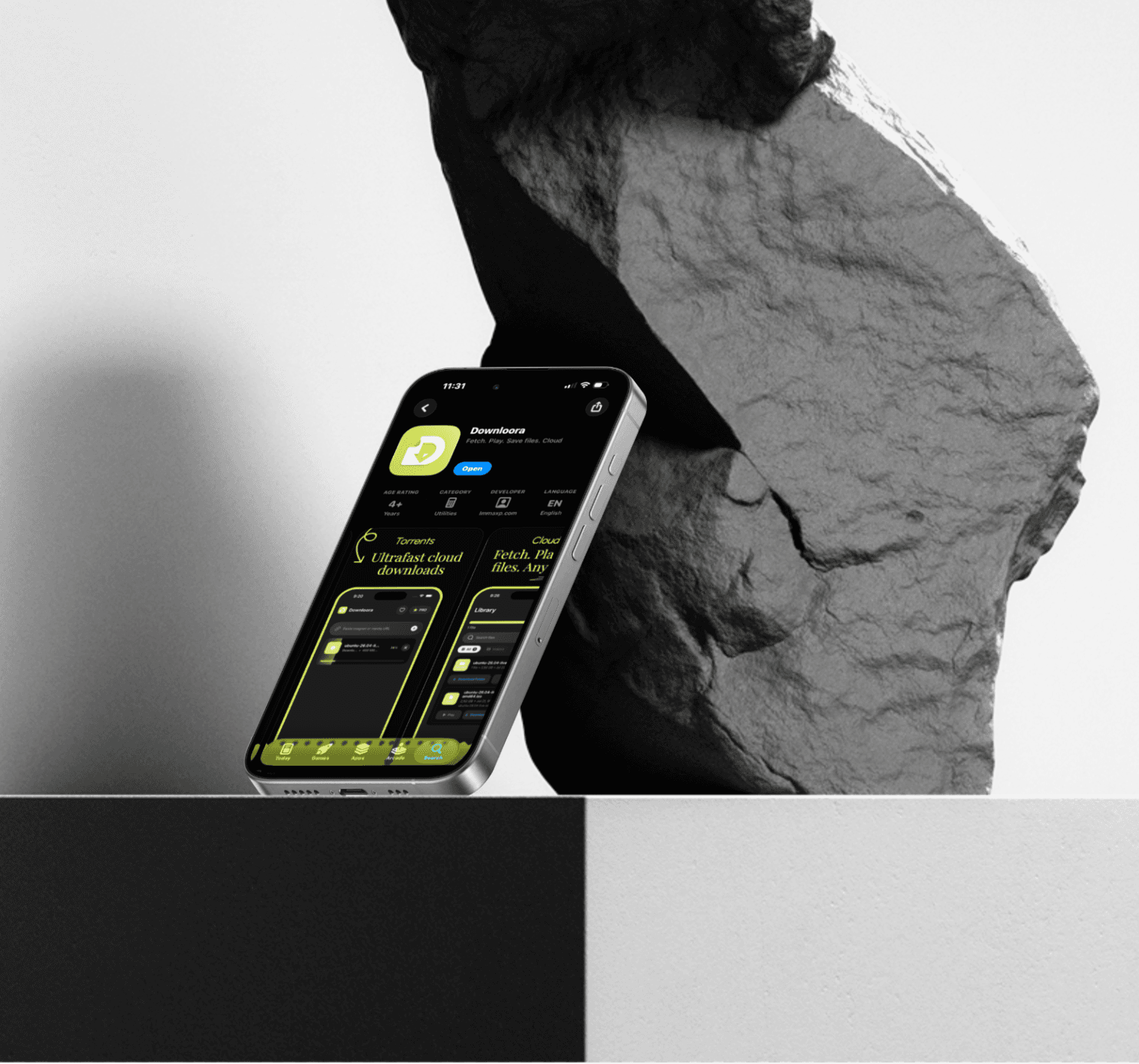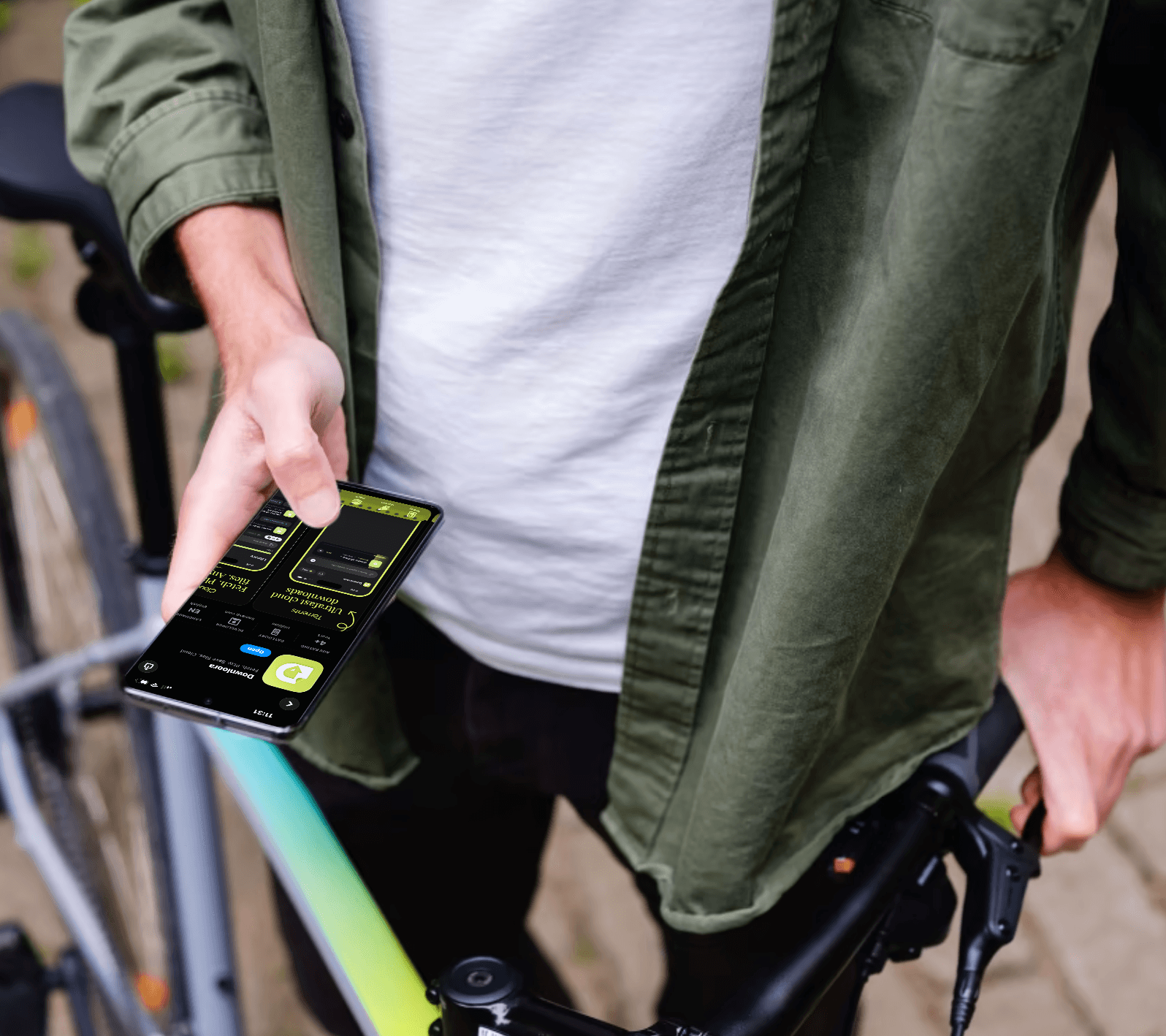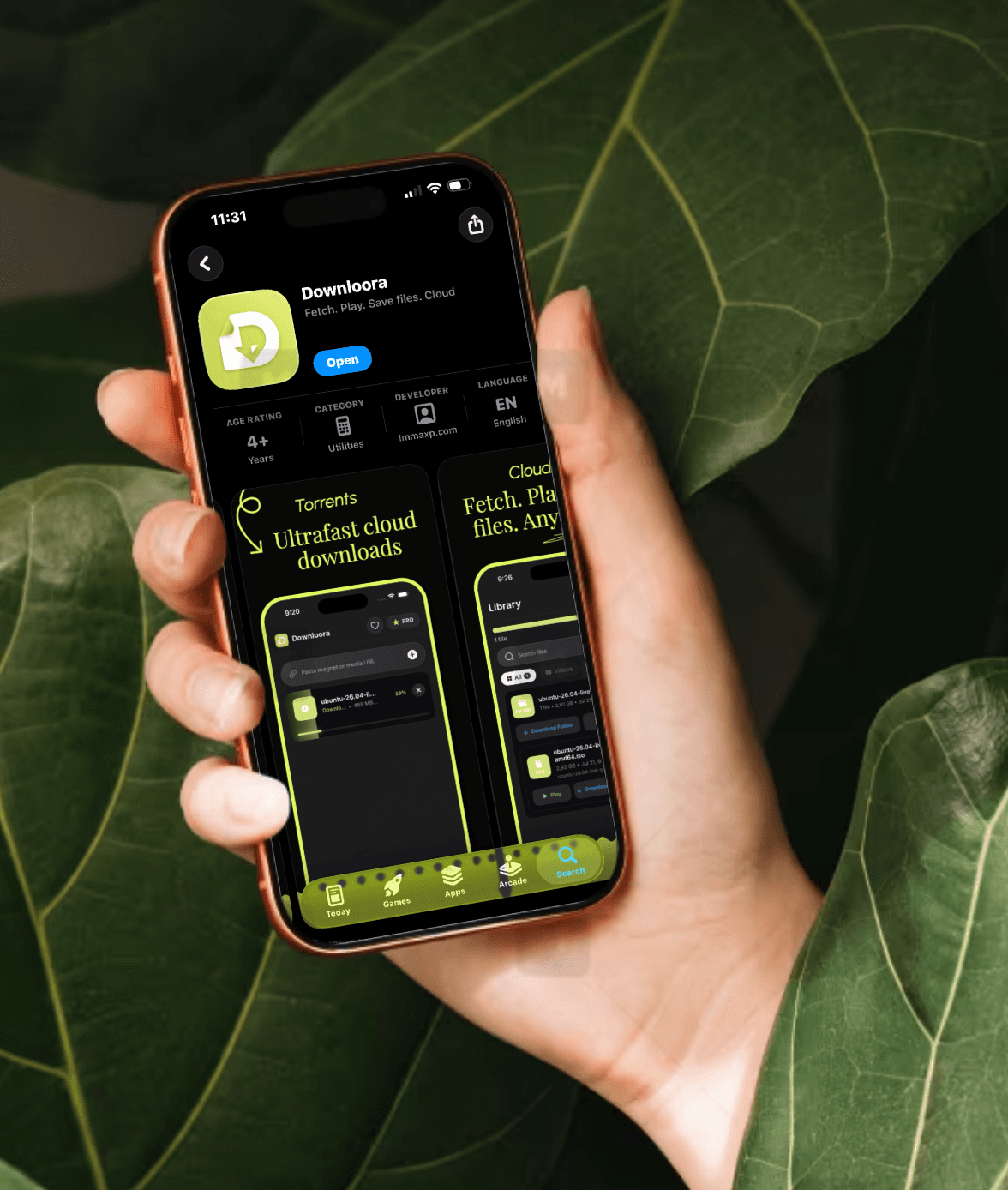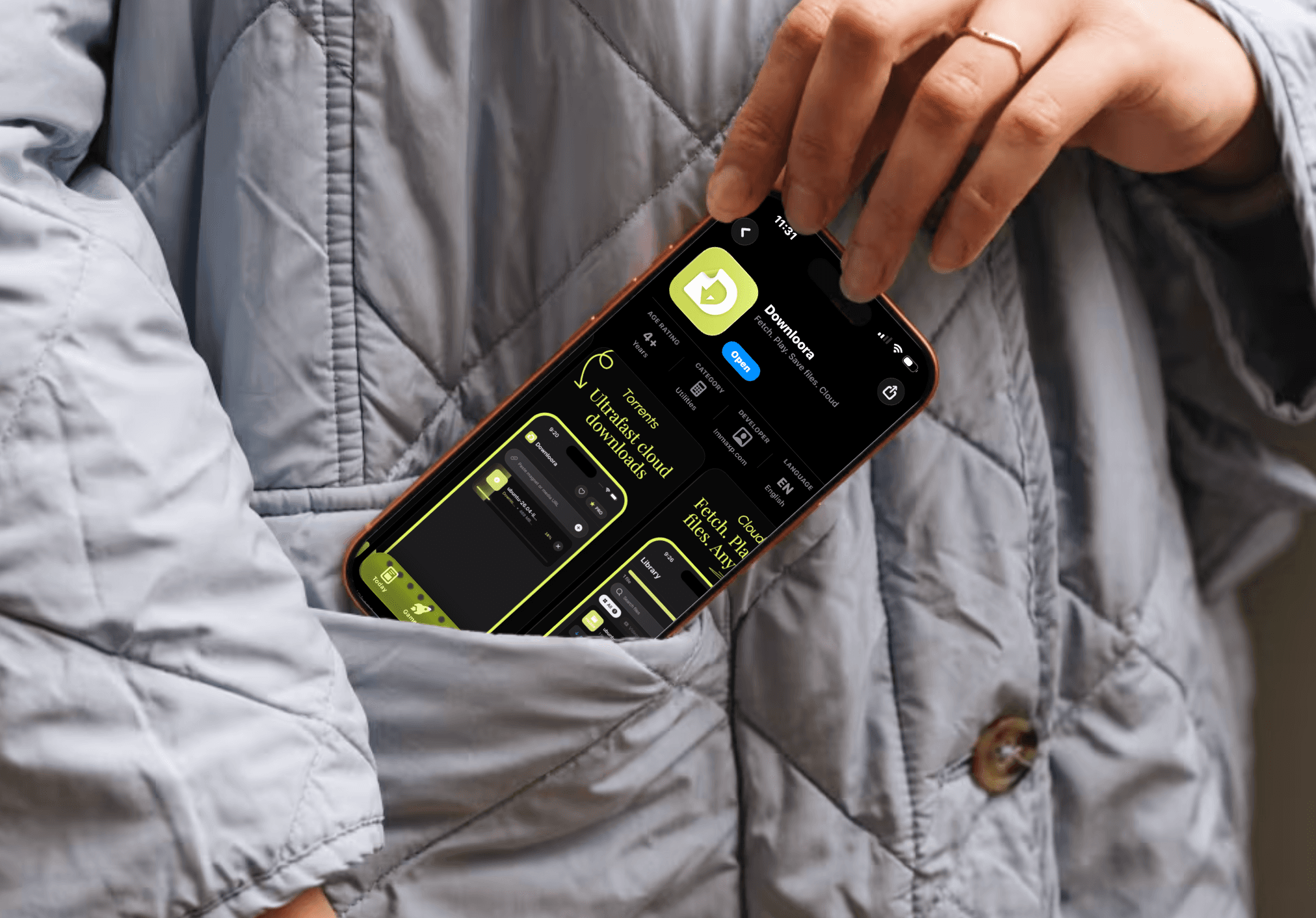

Add links your way
Paste a magnet or supported media link, or upload a .torrent file. Follow its progress from link to library.
 Downloora

Your private download cloud
Save magnet links, torrent files, and supported media downloads to your private cloud. Stream, download, and organize your files from your browser.
1 GB to get started · No software to install
Everything you need
Paste a magnet or supported media link, or upload a .torrent file. Follow its progress from link to library.

Preview saved videos and audio right in your browser, with thumbnails that help you find what you want.

Completed torrents keep their folders and subfolders. Browse the collection or pick the exact file you need.

Save individual files to your device, or download a completed folder as a ZIP archive.

Your files stay in your account. See your storage usage at a glance and delete files when you need more space.

Manage your downloads from a phone, tablet, or computer. Open your browser and sign in to your account.
How it works
Start with 1 GB of storage and a private library for your files.
Paste a supported media or magnet link, or upload a .torrent. Follow the progress as it saves to your cloud.
Open your folders, preview saved media, or download completed files and folder archives to your device.
Room to grow
Try your own cloud library with 1 GB of storage. Choose a paid plan when your collection needs more space.
1 GB
Cloud storage
Get started with your first downloads.
Create free account500 GB
Cloud storage
€10 / month
Keep a bigger media collection together.
View Pro1 TB
Cloud storage
€20 / month
Space for larger libraries and archives.
View MasterSign in to view current prices and billing details before choosing a subscription.
Add magnet links, .torrent files, and media links from supported websites. Availability depends on the source; some sites require sign-in or restrict downloads, and DRM-protected media cannot be imported.
No. Create an account and use Downloora in your browser on your phone, tablet, or computer. You can preview supported videos and audio without downloading them to your device first.
Yes. Once saving finishes, download the completed folder as a ZIP archive or open its subfolders and download individual files.
New accounts start with 1 GB. Your storage meter shows how much space your files use. Delete files to free up space, or choose a larger plan from Get Pro.
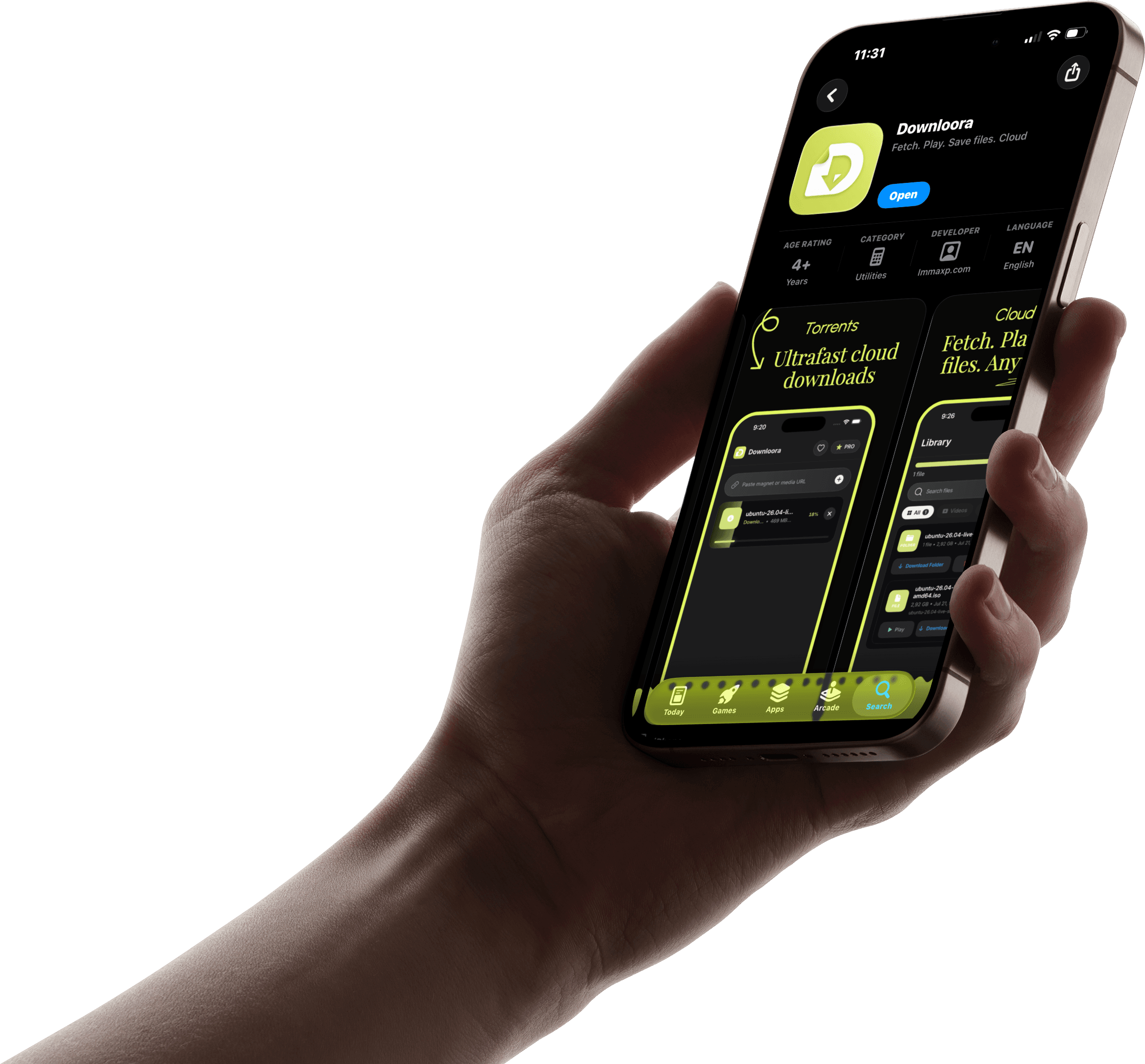
Downloora on mobile
Download Downloora for iOS and Android, or use your library in your mobile browser.
Start with the web app